Table of Contents
Why Your Malappuram Business Isn't Showing on Google Maps Even When You Search Its Name?
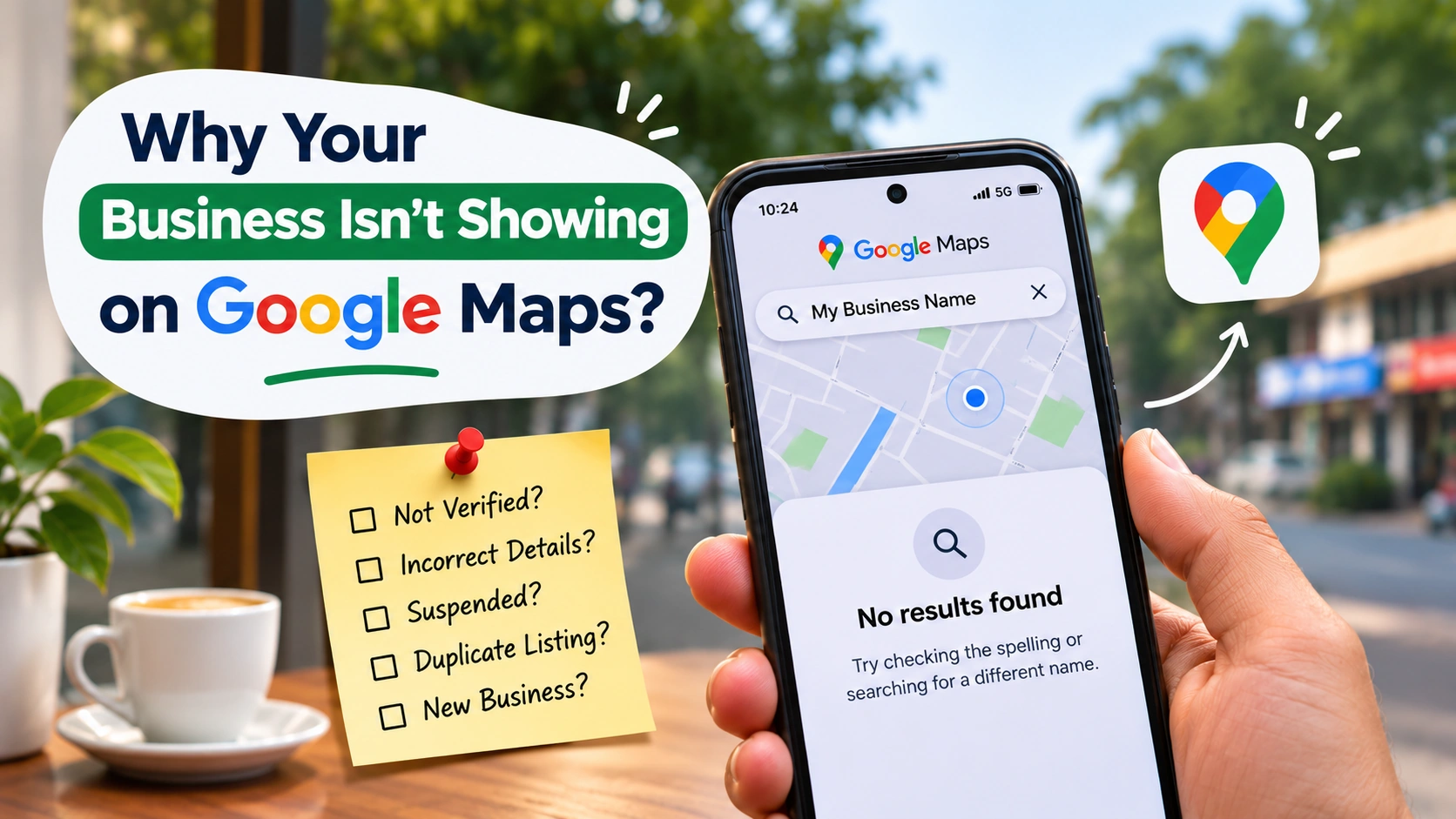
You have a shop in Malappuram. Customers visit your shop every day, but when you search for your business on Google Maps, you can’t find it.
You try adding your location to the search. Still nothing.
Meanwhile, other shops in your area are showing up.
If this sounds familiar, you’re probably wondering what went wrong.
Your business might be missing from Google Maps because your Google Business Profile isn’t verified, some details are incorrect, or Google has restricted your listing. Sometimes, the business is already on Maps but isn’t appearing for the searches you expect.
Here’s how to find the problem and fix it.
First, Check If Your Business Is Really Missing
Before changing anything, try searching for your business in three different ways.
Your exact business name.
Your business name and location, such as “ABC Bakery Manjeri”.
Your service and location, such as “Bakery in Manjeri”.
Did your business appear in the first two searches but not the third?
That usually means your listing exists, but it may not be ranking well for local searches.
If you can’t find it even by searching its exact name and location,
1. Your Google Business Profile Isn't Verified
Creating a Google Business Profile doesn’t always mean your business will immediately appear on Maps.
Google needs to confirm that the business is genuine and that you’re allowed to manage it.
Here’s what you can do:
Visit Google Business Profile.
Sign in with the Google account you used for your business.
Check whether your profile needs verification.
Follow the instructions shown by Google.
Depending on your business, Google may ask you to verify through a video, phone, email, or another method.
If you’re unsure about the process, Google’s business verification guide explains the steps.
2. Your Business Details Are Incorrect
Think about a customer searching for a mobile repair shop in Tirur.
If the shop has the wrong category or location on Google Maps, it can be harder for people to find the right business.
That’s why it’s worth checking the basic information on your profile.
Make sure:
Your business name matches your actual shop name.
Your address and map pin are correct.
You’ve selected the most suitable business category.
Your contact number and opening hours are updated.
Avoid adding words like “best shop in Malappuram” to your business name unless they’re genuinely part of its name.
Google expects businesses to use their real names.
3. Google Has Suspended Your Business Profile
Sometimes, Google may suspend a listing if it doesn’t follow its guidelines.
This can happen because of misleading information, an address that doesn’t meet Google’s rules, or other policy issues.
If your profile is suspended, don’t rush to create another one.
Instead, check the warning on your Google Business Profile, correct any problems you find, and follow Google’s Business Profile appeal process.
Also, check whether an old listing already exists for your shop. If it does, you may need to claim that listing rather than create a duplicate.
4. You Recently Added Your Business
If you’ve only just created your profile, Google may still be processing it.
Google says rankings for new businesses can take up to a month to appear.
During this time, check that your verification is complete and your details are correct.
If the profile has no warnings but remains missing after Google has had time to process it, contact Google Business Profile support.
5. Your Business Is on Maps but Isn't Ranking Well
Let’s say you own a bakery in Manjeri.
When you search its name, your bakery appears. But when you search “cake shops near me”, you only see other bakeries.
This is where local SEO matters.
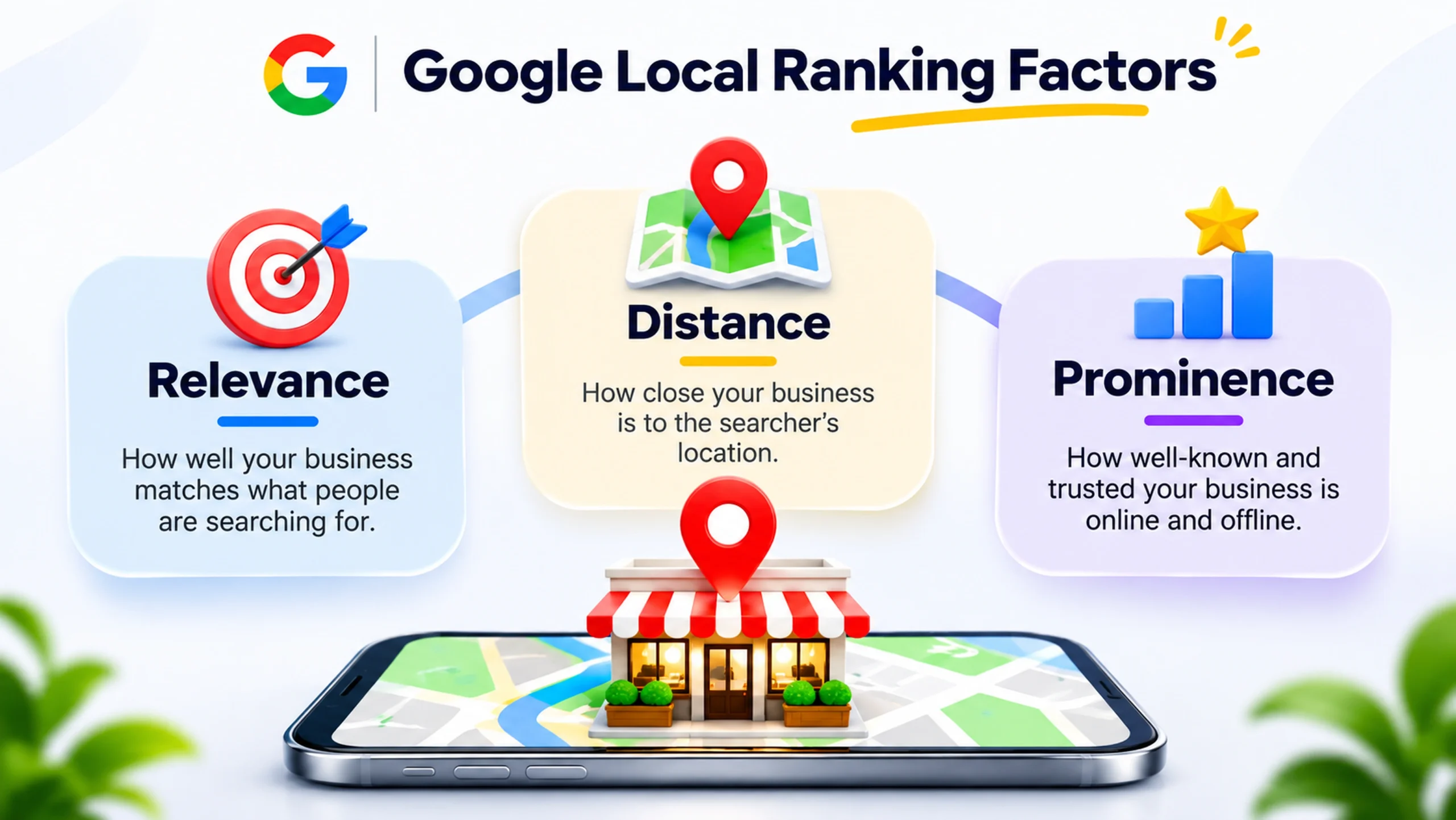
Google mainly considers three things when showing local businesses:
Relevance: Does your business match what the person is searching for?
Distance: How close is your business to the person searching?
Prominence: How well-known is your business, based on signals such as reviews and information found online?
You can’t control how far away a customer is, but you can make it easier for Google to understand your business.
Google explains these factors in its local ranking guidelines.
How Can You Improve Your Google Maps Visibility?
Once you’ve checked that your business is active and visible, there are a few simple things worth doing.
Complete your profile. Add your actual services, categories, opening hours, and contact information.
Upload real photos. Show customers what your shop, products, or services look like.
Ask for honest reviews. Genuine customer feedback helps people feel more confident about choosing your business.
Keep your details updated. Make sure your website, social media pages, and Google listing show accurate information.
Improve your website content. If you have a website, clearly explain your services and the areas you serve.
When checking a business’s Google Maps visibility, I would always start with the listing itself before looking at SEO improvements.
There’s little point spending money on marketing if the actual problem is an unverified or suspended profile.
Frequently Asked Questions
Why is my verified business still not showing on Google Maps?
Your listing may still be processing, have a restriction, or contain incorrect information. Try searching with your exact business name and location first.
Can my business appear on Google Maps without a website?
Yes. You can create a Google Business Profile for an eligible business even if you don’t have a website.
Can I pay Google to rank my business first on Maps?
No. You cannot pay for a higher organic local ranking. Google Ads is a separate advertising option.
Final Thoughts
If your business isn’t showing on Google Maps, don’t immediately assume you need paid advertising or a new website.
Start with the basics. Check your verification, business details, and profile status.
If everything looks fine but customers still struggle to find you, it’s worth looking at your local SEO.
After all, being on Google Maps is one thing. Making it easy for nearby customers to find your business is what really matters.
I share more practical ideas about SEO and online visibility on my digital marketing homepage. You can also explore my digital marketing portfolio to see more about my work and approach.