Table of Contents
Opening a Second Branch in Manjeri? What Changes in Your Local SEO Strategy?
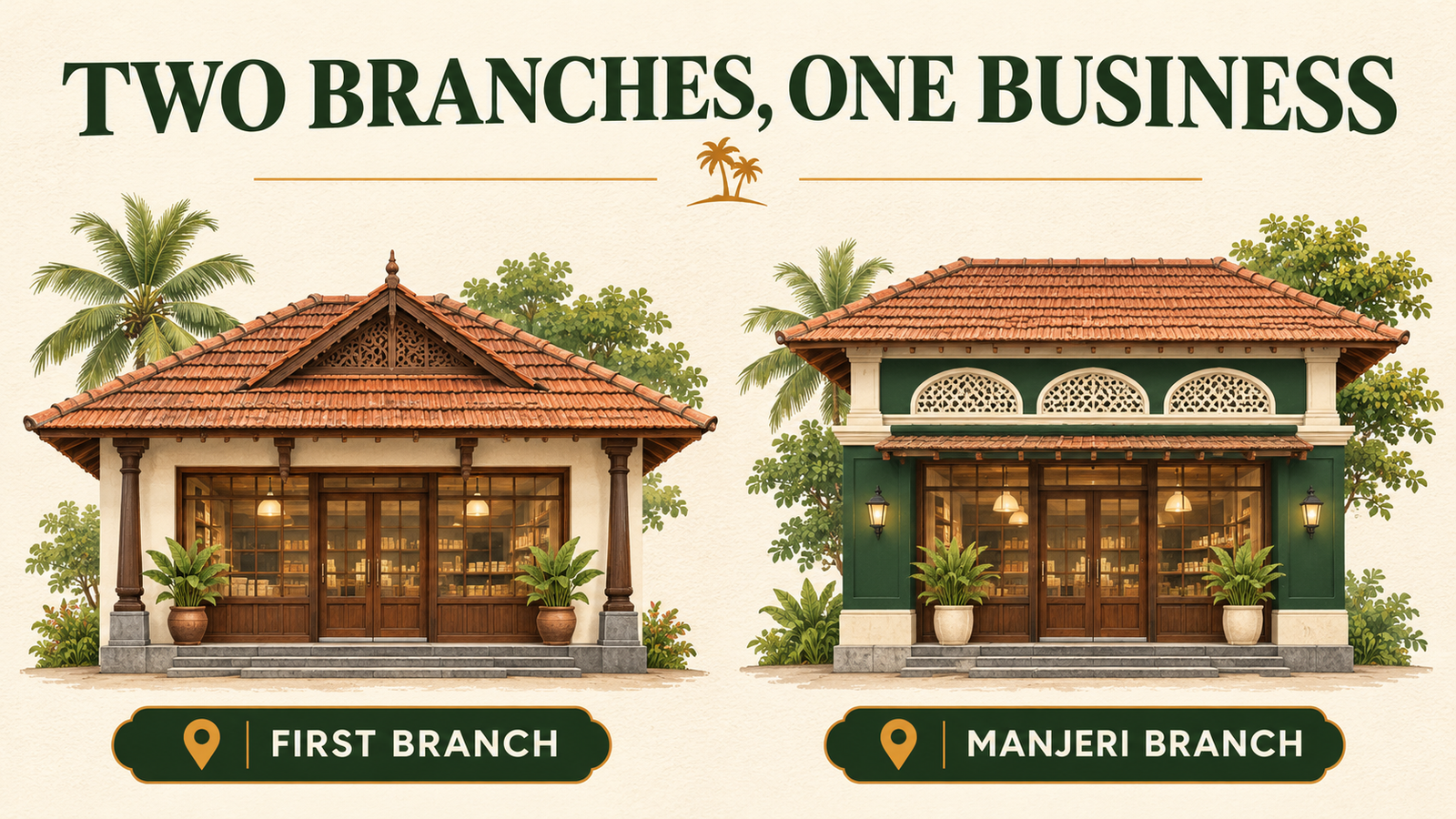
A customer finds your business on Google, taps Directions and ends up at your first branch. They were looking for the new one in Manjeri. That’s the kind of mix-up your local SEO strategy needs to prevent once you have two addresses.
Give the Manjeri branch its own Google Business Profile, a page on your existing website and a review link for that location. Make it easy for customers to choose the right branch, check when it’s open and get there. You can do most of this before opening day.
1. Set up a Google Business Profile for the Manjeri branch
If your new branch has a permanent sign, serves customers in person and has staff there during the listed hours, set up and verify a separate profile for that address. Start by searching Google Maps for the business name and address. If the branch is already listed, claim that profile so customers see one listing for the location. Google’s guide to adding or claiming a Business Profile
Check these details before you share the listing.
- Business name. Use the name on your sign. Add “Manjeri” to the profile name only if it’s part of the business name you use in real life.
- Category. Use the same main category for both branches if they do the same kind of work.
- Address and pin. Enter the full address, including the floor or unit number if needed. Check where Maps sends someone who taps Directions.
- Hours and phone. Add the Manjeri branch’s hours and a number that reaches the right team.
- Photos. Show the actual sign and entrance so customers can recognise the branch from the road.
If you’re only adding deliveries or home visits in Manjeri from your current base, update the service area on your existing profile. Google’s rules for business locations and service areas
If your new branch is still getting ready, set its future opening date so people know when they can visit. Google’s guide to setting an opening date
2. Build a Manjeri page that answers customers questions
Think about two people searching on their phones. One types your business name and “Manjeri opening hours.” They already know you and want to visit. The other types “birthday cakes in Manjeri.” They’re still choosing a bakery and want to know whether they can get a cake by Saturday. Your branch page should help both people.
Use a clear page title like [Business Name] Manjeri Branch. Put the address, hours and main action near the top. Then answer the questions customers would otherwise have to call and ask.
- What can they buy, book or pick up at this branch?
- Can they walk in, or do they need to book ahead?
- Which entrance should they use, and is there parking nearby?
- How do they call, get directions or send an enquiry?
Give people details that are specific to the branch. If your Manjeri bakery needs two days’ notice for custom cakes, say so next to the order button. If pickup is available on Sundays, show the pickup hours. That’s enough for someone planning a birthday to decide whether they can order from you.
When I help local businesses in Malappuram get found on Google, I start by looking at what customers need to do next. For a branch opening, I’d open the page on a phone, tap Get directions and check where it takes me. Then I’d tap Call and find out which branch answers.
3. Make it easy to choose between the two branches
List both branches in a Locations section or on your Contact page. Link to each branch’s page. If both locations are in Manjeri, use their actual neighbourhoods or nearby landmarks to tell them apart. A familiar landmark means more to a customer than a branch number.
Point each Google profile to its matching branch page. Check your social bios, booking forms and any local directories your customers use. If the two branches share a WhatsApp number or booking form, ask customers to choose a branch before confirming an order or appointment.
Give someone at each branch responsibility for updating opening hours before holidays or special events. If the Manjeri branch closes early for a day, update its Google profile and website page so people can plan their visit.
The two branches can show up differently on Google Maps. Google looks at how well a business matches the search, how close it is to the person searching and how well known it is. Someone near the new branch may see different results from someone making the same search across town. How Google ranks local businesses
4. Ask Manjeri customers for reviews after they visit
Build a review history for the new branch from people who have actually visited it. Give your team the Manjeri review link or QR code. Put it on receipts, display it by the counter or send it in a short WhatsApp message after a purchase. Ask for an honest review and leave gifts or discounts out of the request.
Read and reply to reviews. They can tell you what people need before they visit. If several customers say they struggled to find the entrance, check the map pin and add a clearer photo of the storefront. If people turn up for a service that’s only available at your first branch, make that clear on both branch pages. Google’s tips for getting customer reviews
5. Use social media and ads to support the opening
Pin an opening post on Instagram or Facebook with the date, the Manjeri address and a link to the branch page. A short video showing the shop from the road helps people know what to look for. If customers usually chat with you in Malayalam, use it in the caption or voice-over.
If you’re working with a nearby business on the launch, give them the branch page to share. If you run a paid ad, focus on people close enough to visit or within your delivery area. Send them to the Manjeri page and give them a clear action, such as booking an appointment, placing an order or getting directions.
6. Track how customers find and contact each branch
During the first month, check each Google profile separately. Look at direction requests, call button taps and website clicks. A call button tap records a click. Use your call log or booking records to see how many calls you answered and how many turned into bookings. Google’s guide to Business Profile performance
Use Google Search Console to filter for the Manjeri page and see which searches brought people to it. Pair that with what your team hears on the phone. If people search for cake pickup in Manjeri and keep asking how late they can collect an order, put the pickup hours beside the order button. The next customer can make a decision without having to call. Google’s guide to the Search Console performance report
If you’d like help preparing your second branch for search, explore my local SEO and digital marketing services and portfolio of project work.